Plan
Create Media Days, schools, teams, contacts, dates, and deadlines.
 Photographer Login
RYVO connects your roster, shoot, production, and delivery workflow so you can spend less time rebuilding data and more time photographing, producing, and selling.
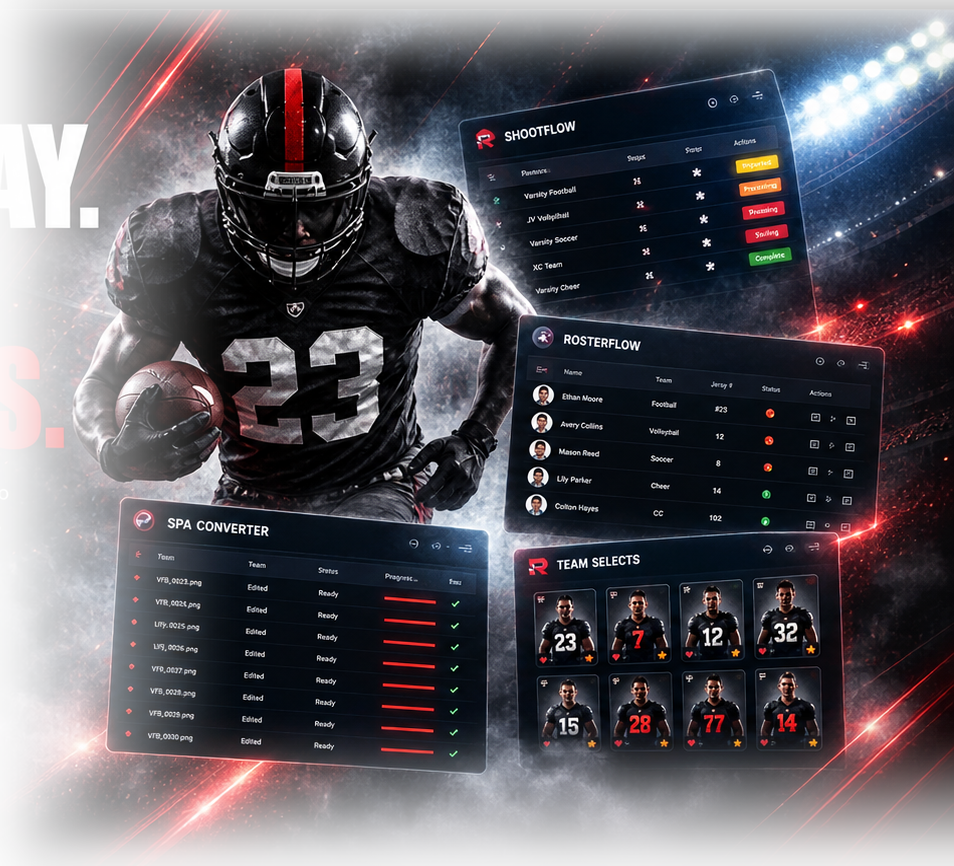
RYVO keeps the information around Media Day moving forward instead of forcing you to rebuild the same job in multiple places.
Create Media Days, schools, teams, contacts, dates, and deadlines.
Bring in rosters and registrations with coach, parent, and school workflows.
Track the job from picture day through editing, PNGs, galleries, banners, and delivery.
Prepare Pixnub-ready data, clean fields, correct players, find jersey numbers, and organize production.
Move finished work toward galleries and products without losing track of what is complete.
RYVO was built around the actual jobs sports photographers run every week—not around a generic project-management template.
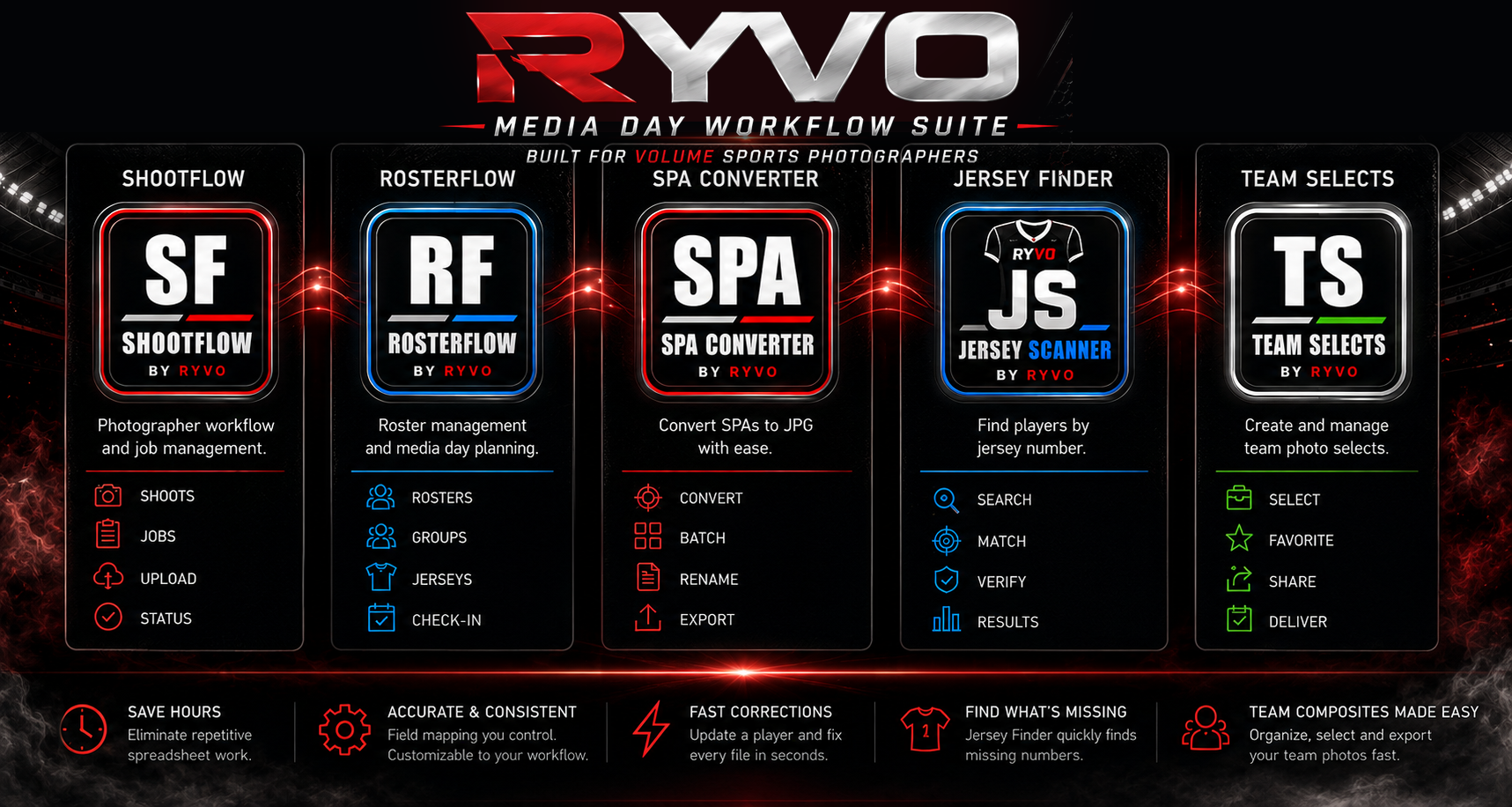
That is exactly where RYVO can remove some of the most repetitive work.
GotPhoto and Pixnub are third-party products. RYVO is independently developed and is not presented here as an official partnership or endorsement.
RYVO is being built from the same production problems it is designed to solve.
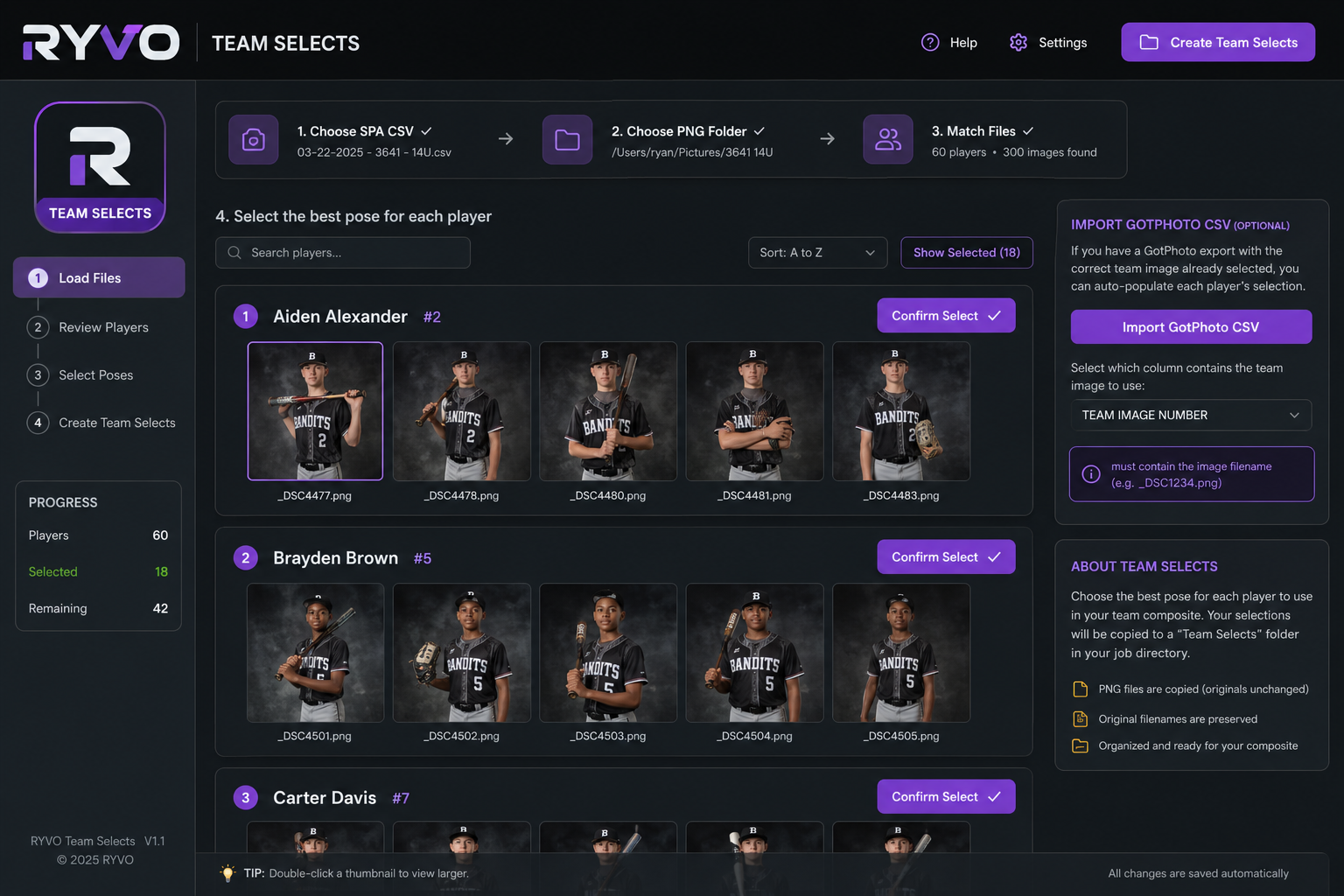
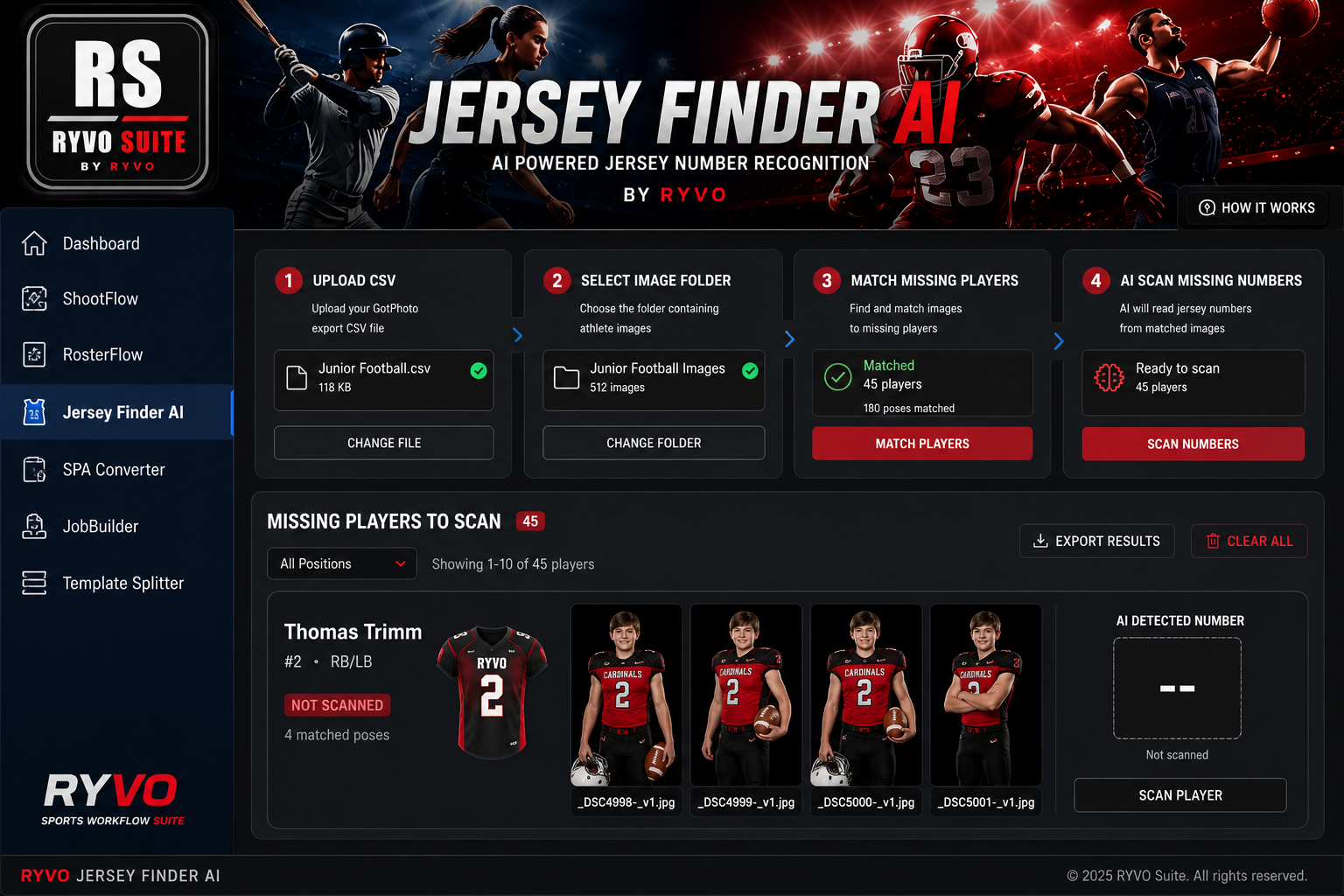
RYVO started because too much of Media Day happened outside the camera: roster cleanup, portal links, CSV rebuilding, production tracking, file organization, and follow-up. The goal is simple—make the entire job easier to control from start to finish.
Join the RYVO interest list for product updates, workflow tips, new feature announcements, and special offers for sports photographers.
Photographers running school and youth sports Media Days who need a better way to manage roster data, production status, portals, and repetitive post-production prep.
No. RYVO is designed to organize and connect parts of the workflow around tools photographers may already use.
Yes. RYVO is available now. Monthly and Annual plans include a 30-day free trial, and the first 50 photographers can lock in Founding Lifetime access for a one-time $499 payment—no recurring subscription. Once those 50 Founding spots are gone, the Lifetime offer closes.